

Class 777 Casino on Mobile: Why There's No App to Download
Players searching for a Class 777 Casino app should know the honest answer up front: there isn't one. No native iOS or Android application exists in the app stores, and experts regard that as the safer arrangement rather than a shortcoming. The Class 777 mobile experience runs entirely in a phone browser using HTML5, covering games, the cashier and login. This guide explains how to add the site to a home screen and how to keep mobile logins secure — with the platform's offshore, high-risk status kept firmly in view. 18+. Gamble responsibly.
Is There a Class 777 App to Download?
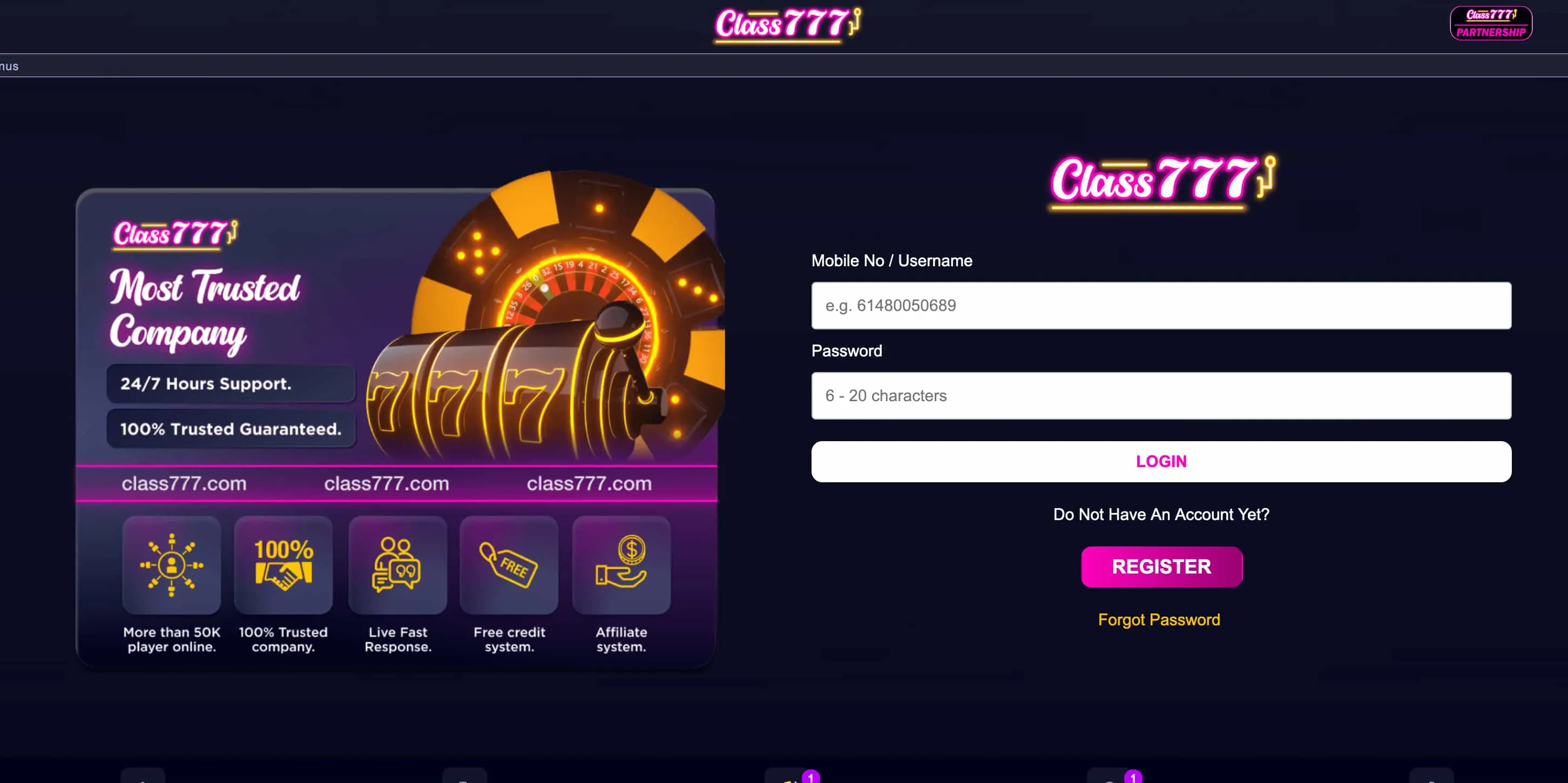
No. Class 777 offers no downloadable iOS or Android app and no installable file in the App Store or Google Play. Instead, players get a full Class 777 casino app experience through the browser. Experts actually prefer this model: there is no third-party package to trust, nothing consuming device storage, and the current version always loads automatically.
| Aspect | Native app | Class 777 web app |
| Download | Required | None |
| Device storage | Used | None |
| Updates | Manual | Instant |
| Security | Third-party install | No external file |
One point worth repeating: the absence of an app does not change the platform's risk profile. Class 777 remains an offshore operator with a 3.3/10 Casino Guru rating, on mobile as on desktop.
Pinning Class 777 to a Home Screen
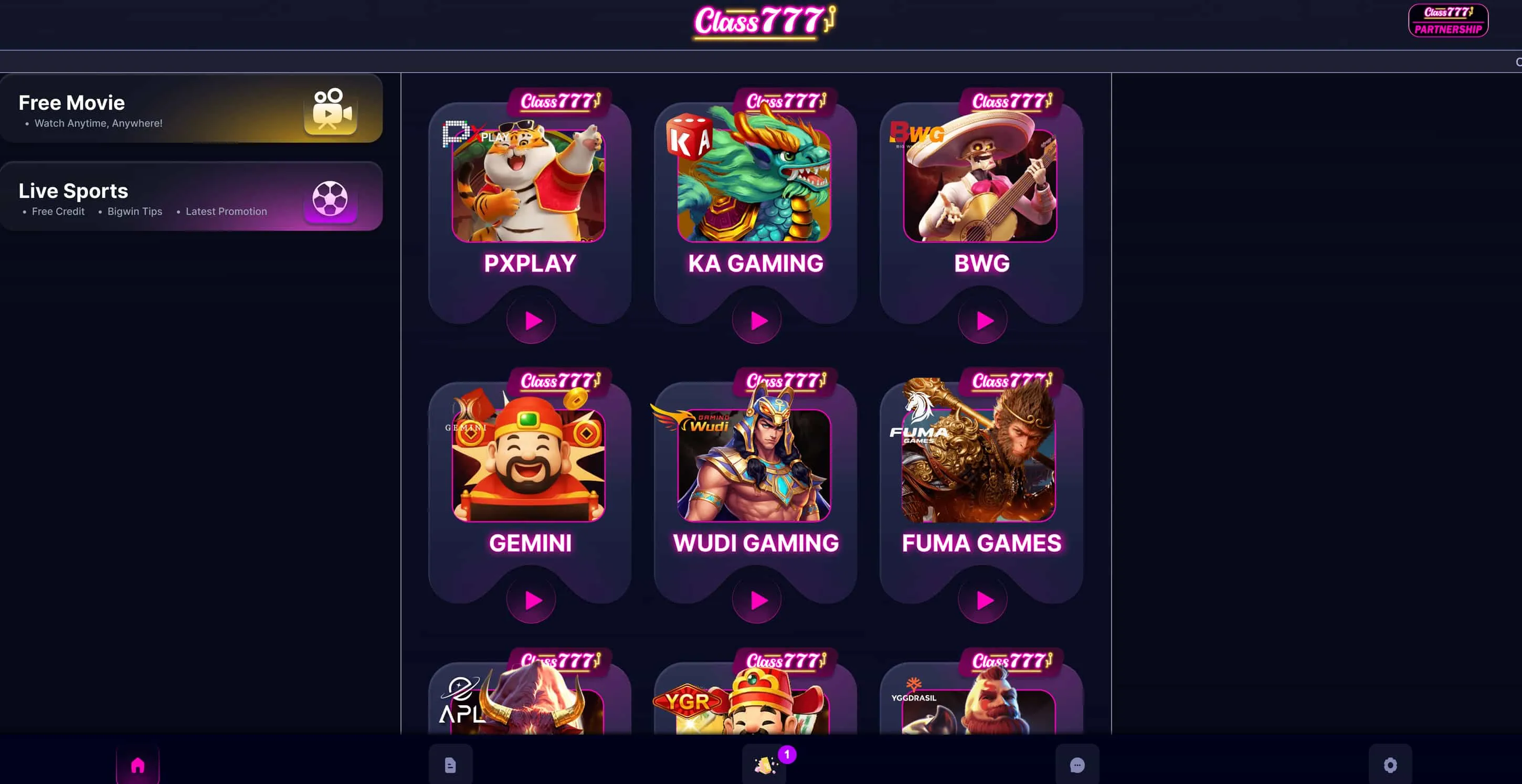
Players who want an app-like icon can create a home-screen shortcut in a few taps. This is the recommended substitute for a download, and it opens the site in a clean, full-screen view.
On iPhone (Safari)
- Players open the Class 777 site in Safari.
- They tap the Share icon at the bottom of the screen.
- They select "Add to Home Screen" and confirm — an app-style icon then appears.
On Android (Chrome)
- Players open the site in Chrome.
- They tap the three-dot menu in the top corner.
- They choose "Add to Home screen" (or "Install app") and confirm.
What Functions on Class 777 Mobile
The browser experience mirrors the desktop platform closely, so players lose little by skipping an app. Experts confirm the following all work from a phone:
- The full pokies, table and live-game catalogue.
- Account login and registration.
- Deposits and withdrawals in AUD and crypto.
- Bonus activation and claiming.
- Live chat and email support.
Performance is solid on modern devices, though heavier titles can take a moment longer to load on older phones — and the same offshore risk considerations apply throughout.
Mobile Games and Performance
The Class 777 mobile pokies are delivered in HTML5 for quick loading and touch controls. Recognisable titles such as Couch Potato and Golden Princess run in the browser, live-dealer tables stream where available, and demo mode lets players test games before staking real money. As on desktop, advertised RTPs around 95%+ are operator claims without independent certification, so experts treat them with caution.
Mobile Login Safety and Banking
Logging in from a phone introduces a few avoidable pitfalls. A frequent one involves the password reset: because iGaming backends rate-limit aggressively, pressing "Forgot Password" twice can invalidate the first link and trap players in a loop. Experts advise pressing it once and waiting. Logging in through a VPN can also trigger a geolocation freeze, and on a shared device players should always use the explicit log-out rather than just closing the tab.
On the financial side, KYC documents can be uploaded directly from a phone, and deposits and withdrawals function in AUD and crypto. The full list of payment methods and timings is covered in the main banking section of the review.
| Action | Available on mobile | Note |
| Login | Yes | Reset password once, then wait |
| Deposit | Yes | AUD and crypto |
| Withdraw | Yes | After KYC; avoid VPN |
| Verify (KYC) | Yes | Upload from phone |
Play on a Phone — But Keep the Risk in Mind
Class 777 runs cleanly on mobile with no download required: open it in a browser and add it to a home screen. The convenience is real, but so is the risk — this is an offshore platform rated 3.3/10, and players should stay within firm limits. Those seeking stronger protections will find higher-rated licensed alternatives in the main review. 18+. Gamble responsibly — 1800 858 858.
Class 777 Mobile: Frequently Asked Questions
Does Class 777 Casino have an app to download?
No. Class 777 offers no native iOS or Android app and no downloadable file in the app stores. The full casino runs through any mobile browser in HTML5, which means no storage use and automatic access to the latest version.
How do players add Class 777 to a home screen?
On iPhone, open Class 777 in Safari, tap Share, then "Add to Home Screen". On Android, open the site in Chrome, tap the three-dot menu, then "Add to Home screen". The shortcut launches the site full-screen for an app-like feel.
How do players log in to Class 777 on mobile?
Players open the site in a mobile browser and sign in with their email and password. If a password reset is needed, experts advise pressing the request button only once, since repeated taps can invalidate the reset link. Avoid logging in through a VPN.
Can players deposit and withdraw on mobile?
Yes. Deposits and withdrawals in AUD and crypto are supported from a phone, and KYC documents can be uploaded directly from a mobile device. Withdrawals require completed verification, after which crypto payouts are generally the fastest.